10 Best Free AI Productivity Tools in 2026 (That Actually Work)

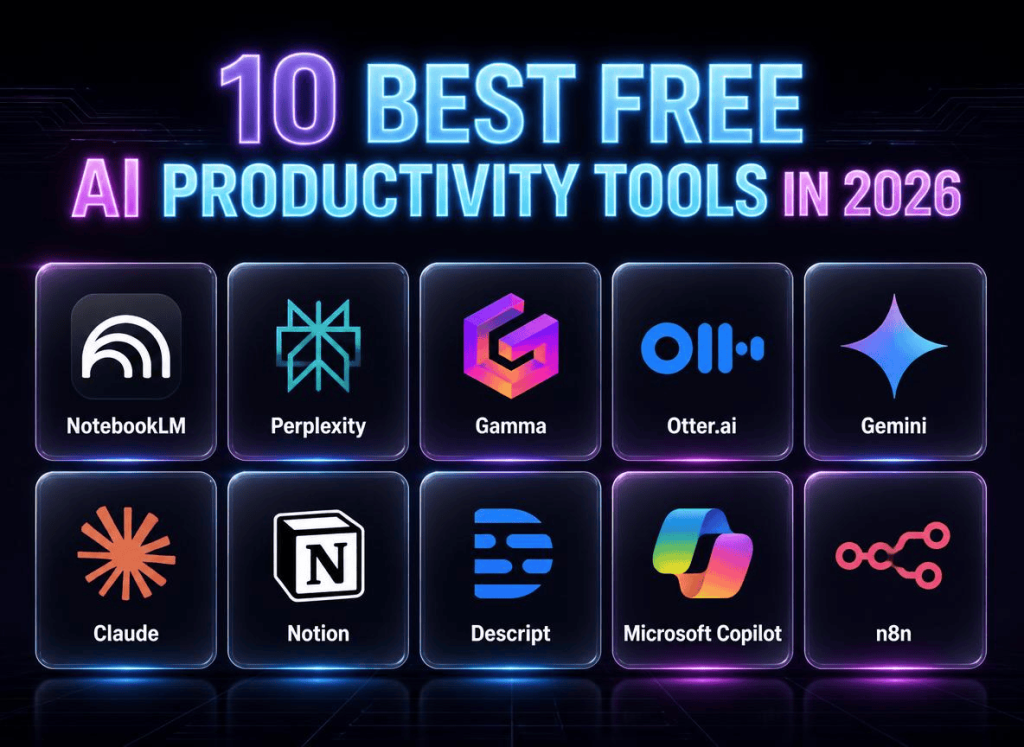
Quick Summary: The 10 best free AI productivity tools in 2026 are NotebookLM (research), Perplexity (search), Gamma (presentations), Otter.ai (meetings), Gemini (general AI), Claude (writing), Notion (workspace), Descript (video editing), Microsoft Copilot (browser AI), and n8n (automation). Using all 10 at the free tier saves roughly $200/month compared to paid alternatives. Scroll to the comparison table for a side-by-side breakdown, or keep reading for my honest take on each tool.
10 Best Free AI Productivity Tools in 2026 (That Actually Work)
Getting organized once meant two hours every Monday getting organized. Reading through research, sorting notes, outlining content for the week, drafting replies to emails I’d been avoiding since Friday. None of it was hard work. It was just… slow. And boring.
Then I started letting AI handle the boring stuff.
Writing articles and recording videos remain human work. But the research, the meeting notes, and the slide decks that once took hours to build can now be automated — much of it at no cost.
Here are ten AI productivity tools were evaluated against real free-plan limits — each with specific free plan limits, real tradeoffs, and no hype.
1. NotebookLM — Your Personal AI Research Assistant
NotebookLM started as a Google Labs experiment and was easy to overlook. It has since grown into a capable research assistant.
The idea is simple: you upload your documents — PDFs, Google Docs, YouTube links, website URLs, audio files, whatever — and NotebookLM becomes an expert on everything you gave it. Then you just… ask questions. “What’s the common thread across these five articles?” “Summarize the pricing models.” “Build me a comparison table.” Each answer comes with a clickable citation showing exactly where the information came from in your source material.
Free plan highlights:
- Up to 100 notebooks, 50 sources each
- 3 AI-generated “Audio Overviews” per day (podcast-style conversations about your docs)
- 10 Deep Research reports per month (autonomous research agent)
- 1 million token context window — enough to process an entire book
- Upload: PDF, Google Docs, YouTube links, audio, Word, CSV, images
- Privacy: Google does NOT train on your NotebookLM data
Try it: notebooklm.google.com
2. Perplexity — AI Search That Actually Cites Sources
Not entirely replacing Google. Maps and quick local checks still matter. For actual research, Perplexity handles much of what used to require a Google search.
The difference: Google gives you ten blue links. Perplexity reads those links and writes a direct answer with numbered citations. It’s like having a research librarian who reads the top 20 search results and hands you a memo.
Free plan highlights:
- Unlimited “Quick” searches
- 5 “Pro” searches per day (deeper reasoning for complex questions)
- All answers include clickable source citations
- Follow-up questions remember context — ask naturally like a conversation
Try it: perplexity.ai
3. Gamma — The “Oh Shoot, I Have a Presentation Tomorrow” Tool
We’ve all been there. It’s 10 PM, your client pitch is at 9 AM, and your slides are a blank white canvas. The thought of picking fonts, aligning text boxes, and hunting for stock photos makes you want to cancel the meeting entirely.
Gamma fixes this. Give it a topic, outline, or paste in a block of text, and it builds a complete deck — slides, layouts, images, everything. Is it winning design awards? No. Does it look 10x better than what you’d slap together at midnight? Absolutely.
Free plan highlights:
- 400 lifetime AI generation credits (not monthly)
- Unlimited presentations, credits only control AI quality
- Watermark on free exports (nobody cares for internal use)
- Plus at $10/month removes watermark
Try it: gamma.app
4. Otter.ai — The Meeting Tool That Remembered What I Forgot
I was in a client call when they asked, “What did we decide about the Q2 content calendar back in March?” My mind went blank. Three seconds of silence. Then I searched my Otter transcript from that March meeting, found “content calendar,” and had the answer in under ten seconds. Looked like a genius. Was just a person who hates taking notes.
Otter joins your calls, transcribes in real time, and gives you AI summaries with action items. You can search any past transcript like a search engine.
Free plan highlights:
- 300 minutes of transcription per month
- 30-minute meeting cap (Pro lifts this to 90 min)
- AI summaries with action items included
- Pro at $16.99/month: 1,200 minutes, longer meetings
Try it: otter.ai
5. Google Gemini — The Swiss Army Knife
If NotebookLM is your dedicated research assistant, Gemini is your general-purpose helper that just kind of… does everything. Draft an email? Brainstorm video titles? Summarize a dense article? Translate a page? All in one tab.
I use it for the small stuff — tasks too minor to open a dedicated tool but still taking up brain space. “Give me three headline options for next week’s blog post.” “Summarize this 40-page PDF.” “Find the logical flaw in my argument.”
Free plan highlights:
- Runs on Gemini 2.5 Flash — fast and free
- 1 million token context window
- Real-time web access, image generation (Imagen)
- Extensions for Gmail, Docs, YouTube, Maps
- Type “@YouTube” + link to summarize any video instantly
Try it: gemini.google.com
6. Claude — The AI That Actually Writes Like a Human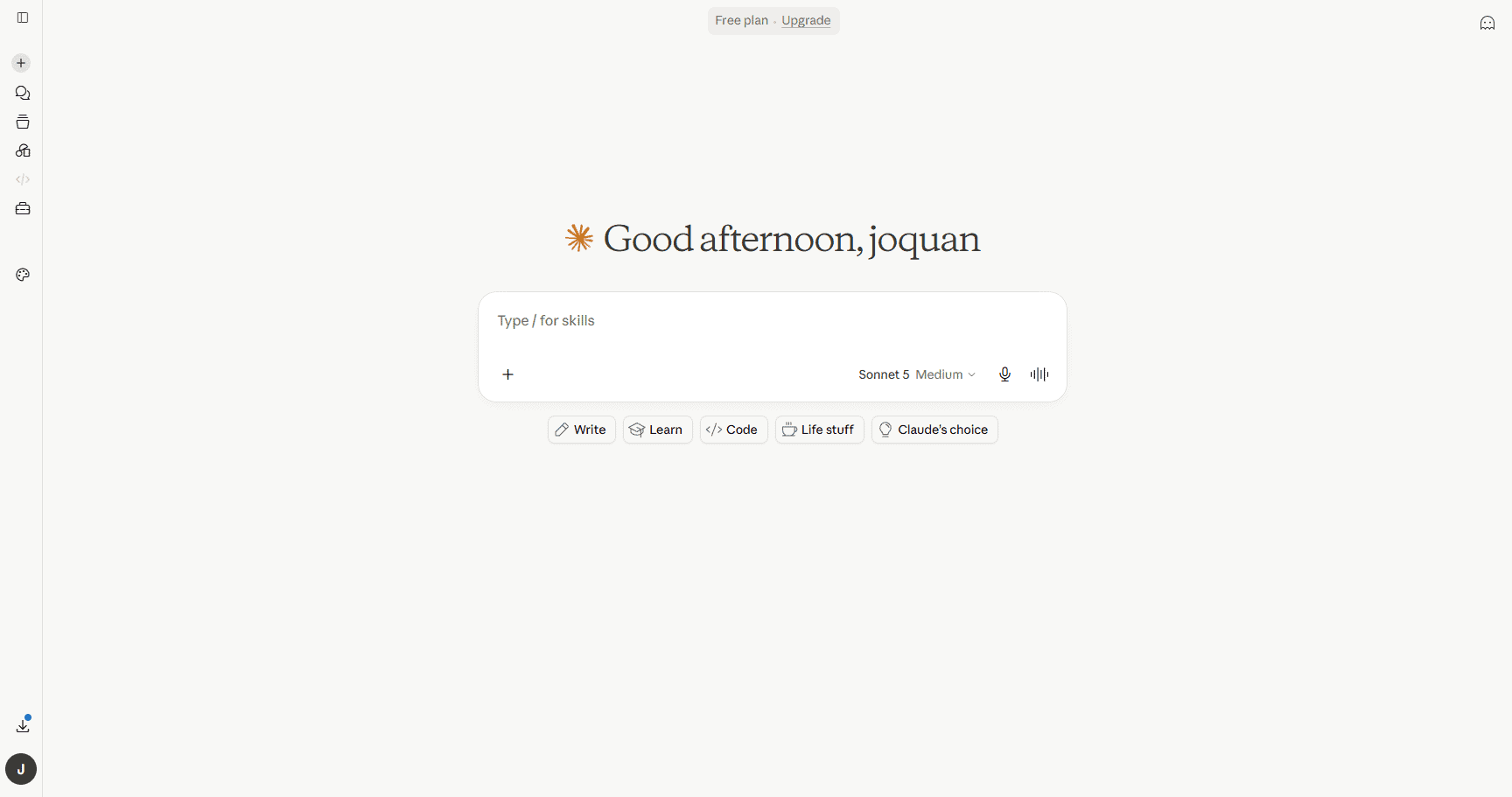
Here’s my hot take: Claude writes better than I do. Not always — but enough that I now draft everything in Claude first and then rewrite in my voice. The free tier runs on Claude Sonnet 4.6, which handles writing, analysis, coding, and long-form content with a naturalness that still surprises me.
What I didn’t expect: the free plan now includes memory across conversations, web search, and code execution. You can upload a PDF, ask Claude to extract the key arguments, then have it write a rebuttal — all in one chat. It also connects to Notion, Slack, Google Workspace, and other apps through MCP integrations.
Free plan highlights:
- Claude Sonnet 4.6 — Anthropic’s mid-tier model, excellent at writing and reasoning
- 200K token context window (upload entire books or codebases)
- Roughly 15–40 messages per 5-hour window
- Web search, memory, Projects, file uploads, image understanding
- Export to Word, Excel, PowerPoint, PDF
- Pro at $20/month unlocks Opus 4.8, 5x more messages, Claude Code
Try it: claude.ai
7. Notion — The Free Workspace That Runs My Entire Business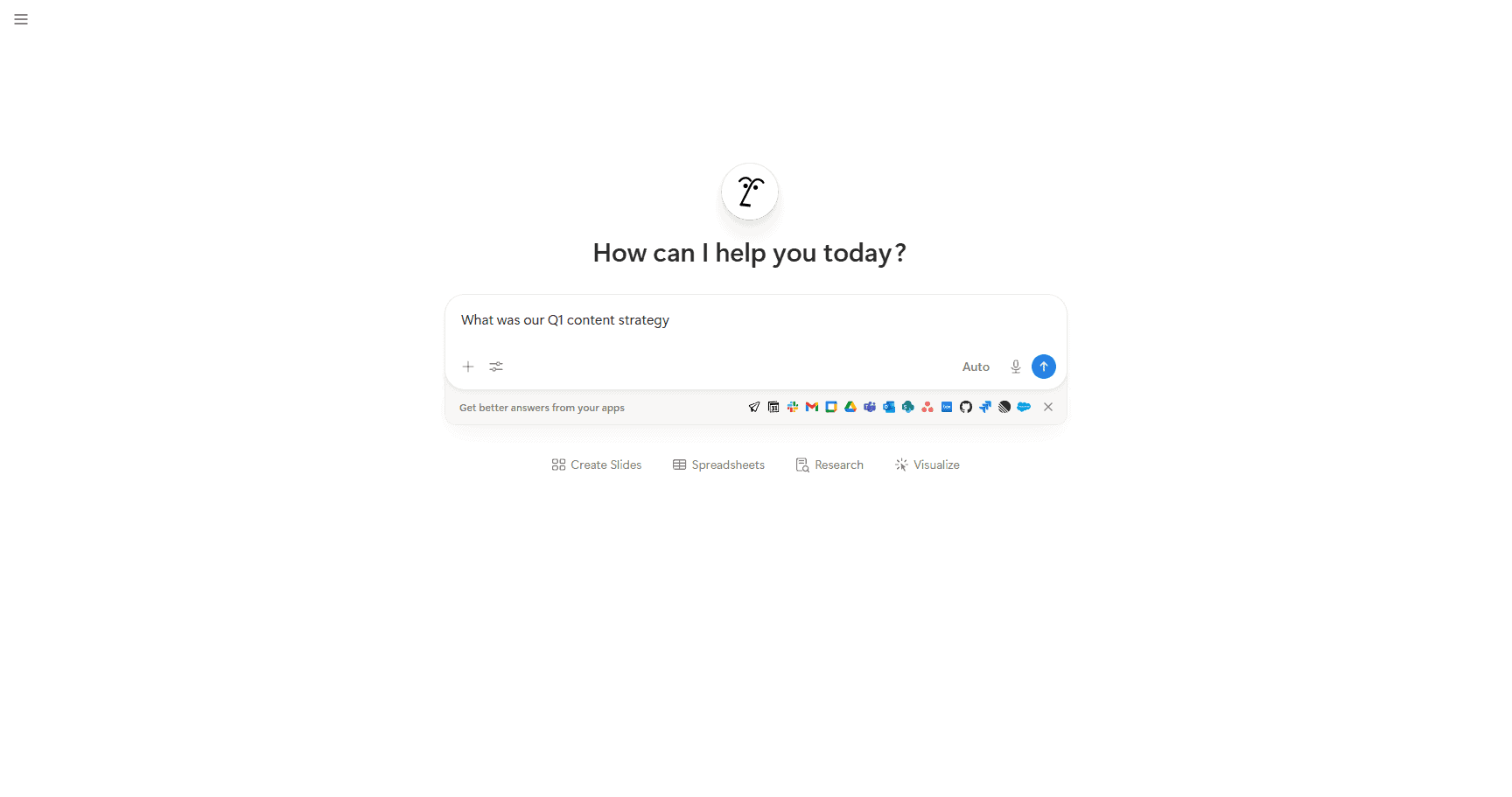
Notion serves as a central workspace for task lists, editorial calendars, client briefs, and onboarding docs. The free plan gives you unlimited pages and blocks, which for a solo creator is basically everything you need.
The AI features are a paid add-on ($8/month), but here’s the thing: even without AI, Notion is the most powerful free productivity tool on the planet. And if you do spring for the AI, it can draft content, summarize meeting notes, translate pages, and answer questions about your entire workspace (“What was our Q1 content strategy?”).
Free plan highlights:
- Unlimited pages and blocks (no storage limit for text)
- 7-day page history, 10 guest collaborators
- Notion Calendar + Notion Mail included
- AI add-on: $8/user/month (chat, generate, autofill, translate, Q&A on your workspace)
Try it: notion.so
8. Descript — Edit Video by Editing Text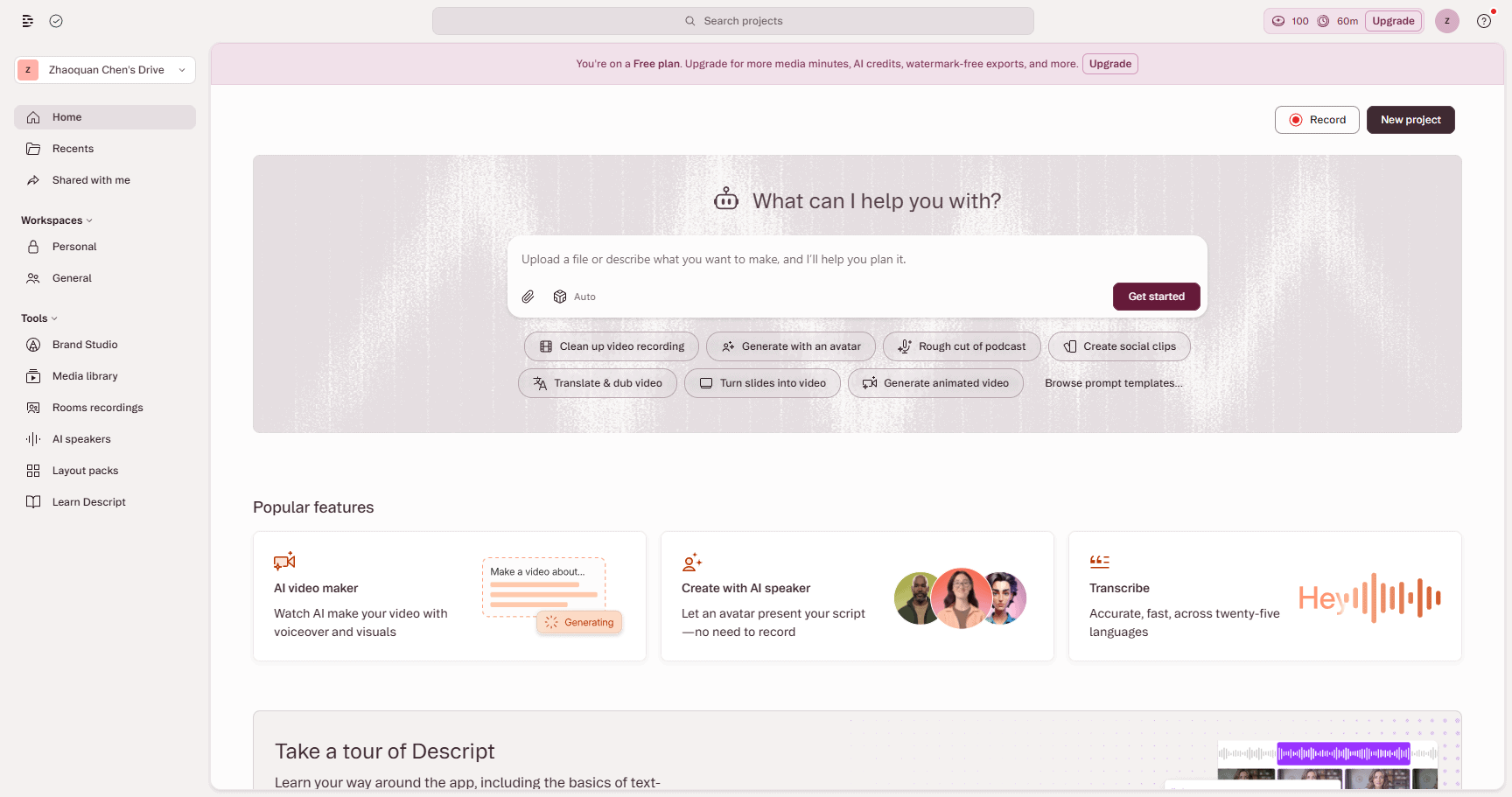
Video editing has a steep learning curve. Opening a timeline in Premiere, DaVinci, or CapCut can feel overwhelming. Descript solves this with a simple approach: it transcribes your video, and then you edit the transcript like a Google Doc. Delete a sentence, and it deletes that segment of video. Move a paragraph, and the video reorders. It feels like cheating.
The free plan is genuinely useful for short content — think social clips, quick tutorials, or podcast snippets. The AI features (filler word removal, studio sound) work on the free tier too.
Free plan highlights:
- 1 hour of AI transcription per month
- Basic video and audio editing via text
- Screen recording (watermarked)
- Filler word removal, studio sound enhancement
- Paid plans start at $24/month for unlimited transcription
Try it: descript.com
9. Microsoft Copilot — AI Built Into Your Browser (For Free)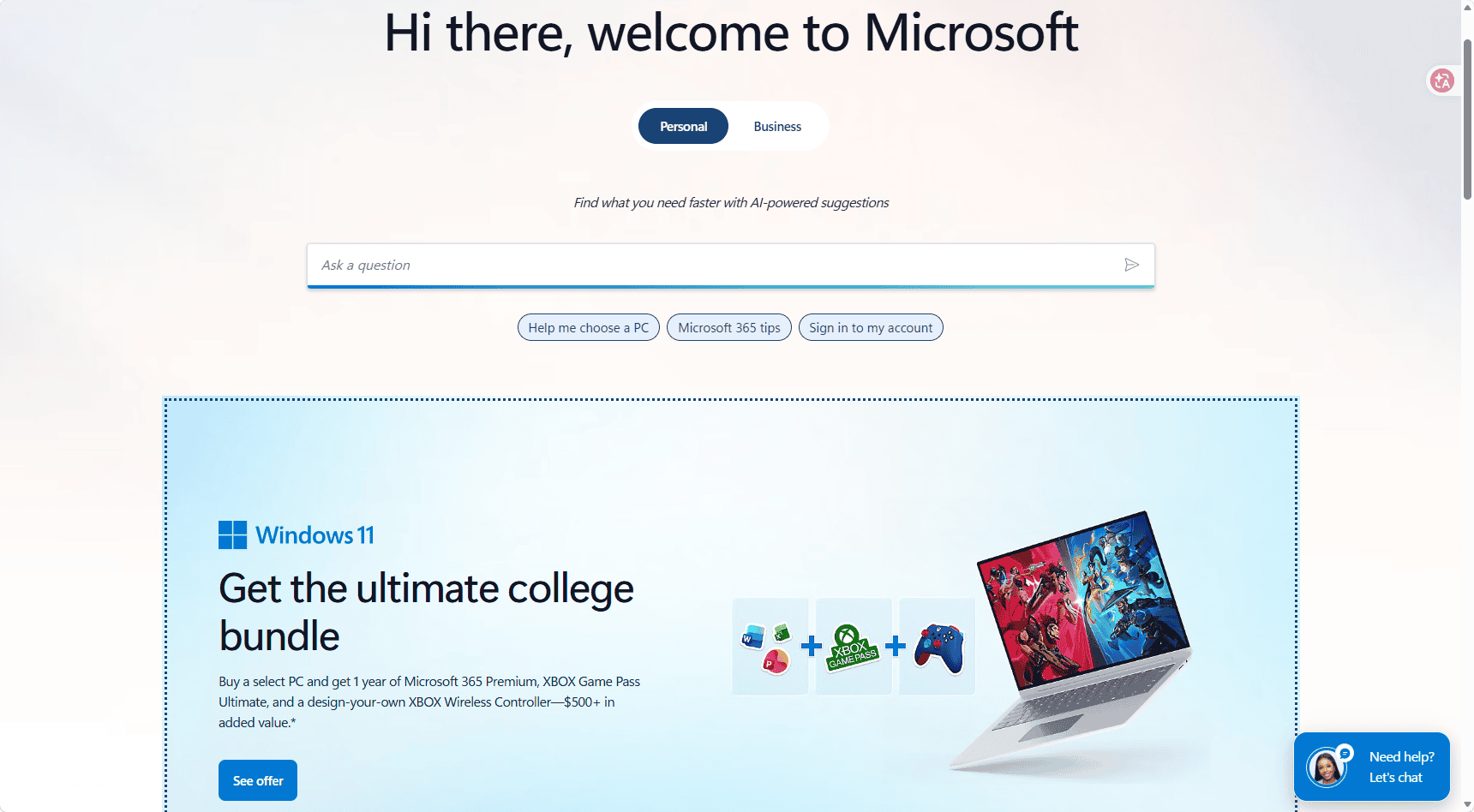
If you use Microsoft Edge — or even if you don’t — Copilot is quietly one of the best free AI tools available. It runs on GPT-4o, can search the web, summarize any page you’re on, and generate images with DALL-E. And it’s built into Windows, Edge, and available at copilot.microsoft.com without installing anything.
My favorite feature: open any article, click the Copilot sidebar, and ask “summarize this in 3 bullet points.” It reads the page and gives you the gist in seconds. Also great for comparing products (“compare the free plans of Descript and Otter.ai”) or drafting quick emails.
Free plan highlights:
- Powered by GPT-4o (same model behind ChatGPT Plus)
- Web-connected with real-time search
- Image generation (DALL-E 3)
- Built into Edge sidebar — summarize any page, compare products, draft content
- Available at copilot.microsoft.com, Windows, iOS, Android
- Copilot Pro at $20/month for priority access and Microsoft 365 integration
Try it: microsoft.com
10. n8n — The AI Automation Tool for People Who Hate Repetitive Work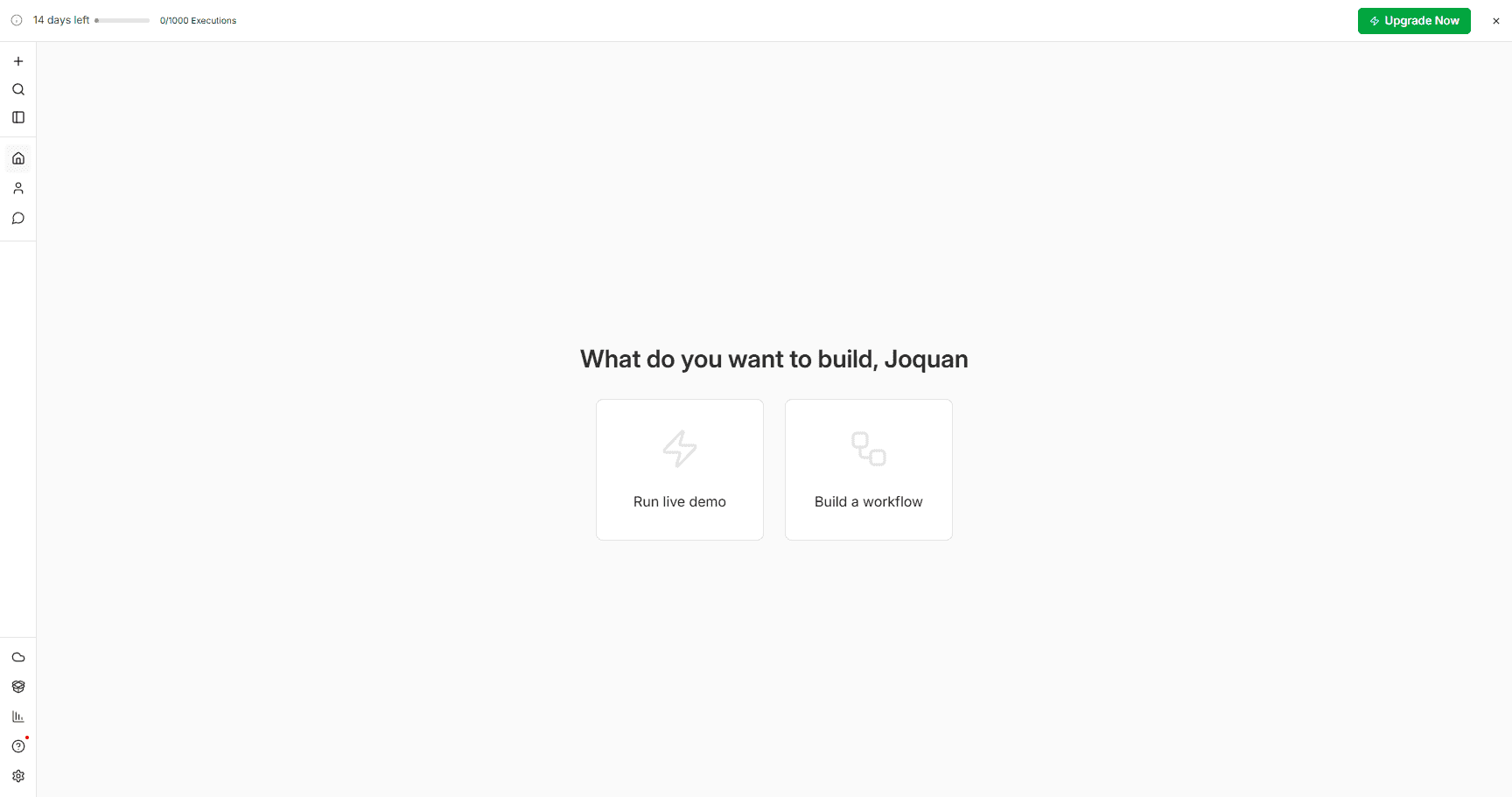
n8n is the most technical tool on this list, but hear me out. If you’ve ever thought “I wish this thing automatically did that thing” — like saving email attachments to Google Drive, or posting blog updates to social media, or scraping data from a website every morning — n8n does that. It’s like Zapier, except open-source, and the self-hosted version is completely free.
The AI nodes are what make it interesting for creators. You can build a workflow that takes a new blog post → summarizes it with AI → generates a tweet and LinkedIn post → schedules them. All automated. The learning curve is real, but for the right person (hello, automation nerds), this is the most powerful free tool on the list.
Free plan highlights:
- Fully open-source, self-hosted for free (Docker install)
- 400+ app integrations (Google, Slack, Twitter, Notion, Airtable, etc.)
- Built-in AI nodes for LLMs, image generation, summarization
- Visual drag-and-drop workflow builder
- Cloud plan starts at €20/month if you don’t want to self-host
Try it: n8n.io
Free Plan Comparison
| # | Tool | Best For | Free Tier Sweet Spot | Paid Starts At |
|---|---|---|---|---|
| 1 | NotebookLM | Deep research | 100 notebooks, 3 podcasts/day, 10 deep research/month | Free forever |
| 2 | Perplexity | Research with sources | Unlimited Quick, 5 Pro/day | $20/mo |
| 3 | Gamma | Slide decks | 400 lifetime credits | $10/mo |
| 4 | Otter.ai | Meeting notes | 300 min/month, AI summaries | $16.99/mo |
| 5 | Google Gemini | General assistant | Gemini 2.5 Flash, 1M context, Google integrations | $19.99/mo |
| 6 | Claude | Writing & analysis | Sonnet 4.6, 200K context, web search, memory | $20/mo |
| 7 | Notion | Workspace & notes | Unlimited pages, calendar, mail, 10 guests | $10/mo (Plus) |
| 8 | Descript | Video/audio editing | 1 hr transcription, text-based editing | $24/mo |
| 9 | Microsoft Copilot | Browser AI assistant | GPT-4o, web search, page summarization, images | $20/mo |
| 10 | n8n | Workflow automation | Self-hosted, 400+ integrations, AI nodes | €20/mo (cloud) |
When to Upgrade From the Free Tier
Most of these tools are genuinely useful at $0 — but every free plan eventually hits a wall. Here are the specific triggers that made me (or people I know) finally pull out a credit card:
- NotebookLM: You won’t. There’s no paid plan yet. The 50 sources per notebook limit is the only real bottleneck — when you hit it, just start a new notebook.
- Perplexity: Upgrade to Pro ($20/month) when 5 Pro searches a day gets annoying. Pro also unlocks file uploads and lets you pick your AI model (GPT-4o, Claude, etc.).
- Gamma: Upgrade to Plus ($10/month) when your 400 lifetime credits run out, or when you need watermark-free presentations for client work. 400 credits lasts months if you’re not generating decks daily.
- Otter.ai: Upgrade to Pro ($16.99/month) when your meetings consistently run over 30 minutes, or when 300 monthly minutes isn’t enough. Also worth it for the advanced search and team features.
- Gemini: Upgrade to Advanced ($19.99/month) when you need the stronger Gemini 2.5 Pro model for complex reasoning, or when you want 2TB of Google One storage bundled in.
- Claude: Upgrade to Pro ($20/month) when you hit the message cap more than twice a week, or if you’re a developer who wants Claude Code for terminal-based coding.
- Notion: Upgrade to Plus ($10/month) when you need more than 10 guests or 30-day page history. The AI add-on ($8/month) is worth it when you’re generating content in Notion daily.
- Descript: Upgrade to Hobbyist ($24/month) when 1 hour of transcription per month isn’t enough. You’ll know it’s time when you have to choose which projects to transcribe.
- Microsoft Copilot: Upgrade to Pro ($20/month) for priority access during peak hours and deeper Microsoft 365 integration (AI inside Word, Excel, PowerPoint).
- n8n: You don’t need to pay for self-hosted. Upgrade to Cloud (€20/month) only if you don’t want to manage a server yourself.
Who Should NOT Use These Tools
I believe in telling you when something is a bad fit. Here’s when you should skip most of these:
- You need enterprise-grade compliance. Free tiers don’t offer SOC 2 reports, HIPAA compliance, or data processing agreements. If you work in healthcare, finance, or handle sensitive client data, upgrade to business plans or find alternatives.
- You generate AI content at scale. If you run a content factory pumping out 50+ AI-assisted articles a week, the free caps on Claude (message limits), Gamma (credits), and Otter (transcription minutes) will strangle your workflow. Budget for paid plans from day one.
- You need guaranteed uptime and support. Free tiers come with “best effort” availability. During peak hours, you may face slower responses or temporary throttling. If AI is critical infrastructure for your business, pay for priority access.
- You want tools that work offline. All ten of these tools require internet access. If you frequently work on planes, in rural areas, or anywhere without reliable connectivity, look into local AI options like Ollama or offline-first apps like Obsidian.
- You hate learning new software. Half of these tools (n8n, Descript, Notion) have real learning curves. If you want something that “just works” without tutorials, stick to Gemini or Claude — they’re dead simple.
How These Tools Were Evaluated
Each tool on this list was evaluated across three common workflows: writing articles for this blog, managing client calls and meeting notes, and creating slide decks for webinars. Each tool was evaluated on four criteria:
- Genuine free tier usability — not a 7-day trial, not a credit card trap. Real, ongoing, $0 access.
- Daily usage limits — how quickly does a normal person hit the cap? If free means “useful for 10 minutes and then blocked,” it didn’t make the list.
- Output quality — does the AI actually produce usable results? Or do you spend more time fixing its mistakes than doing it yourself?
- Upgrade value — if you do decide to pay, does the premium tier deliver proportional value, or is it just removing a cap?
Tools that required credit cards for free access, tools with unusable free tiers (under 5 interactions per day), and tools that pivoted to paid-only during testing were excluded. The prices listed were verified in June 2026 — check each tool’s pricing page for the latest, because AI pricing changes fast.
Which One Should You Start With?
Depends on what eats up your time. My honest take:
- You write articles, blog posts, or newsletters: NotebookLM for research + Claude for drafting. I built the outline for this very article using both.
- You pitch clients or teach courses: Gamma. Turning a messy Google Doc into a decent slide deck in 30 seconds is still magical.
- You take a lot of calls: Otter.ai. The free plan covers 5-10 short meetings a month, and you’ll never scribble notes mid-call again.
- You edit video or podcasts: Descript. Text-based editing sounds gimmicky until you use it — then it’s the only way you want to edit.
- You organize everything in one place: Notion. Calendar, task lists, docs, databases — all free, all connected.
- You want to automate repetitive tasks: n8n. Set it up once, let it run forever.
- You just want one tool: Start with Gemini or Claude — both are excellent general-purpose AI assistants with generous free tiers.
Frequently Asked Questions
Are these tools really free forever?
Yes. All ten have permanent free plans — not trials that expire. The catch: free plans come with caps (transcription minutes, daily searches, watermarks). But you can use them indefinitely at $0. Otter’s free plan covers the essentials before upgrading. NotebookLM and Perplexity also work well on their free tiers.
How many accounts do I need?
NotebookLM and Gemini share your Google account. Microsoft Copilot uses your Microsoft account. Claude, Perplexity, Gamma, Otter, Notion, Descript, and n8n each need separate signups — but most support “Sign in with Google,” so setup takes maybe five minutes total.
Can I use these for client work?
Yes, commercial use is fine on all the free plans. Things to watch: Gamma adds a watermark, Otter’s 30-minute meeting cap, Descript’s 1-hour transcription limit. If you’re doing high-volume client work, you’ll eventually want to upgrade the tools you use most.
Is my data private?
Google (NotebookLM, Gemini) and Microsoft (Copilot) have stated they don’t train on free tier data. Anthropic (Claude) doesn’t train on user data by default. For the rest, read the privacy policies, but your meeting transcripts, search history, and uploaded documents are not public. Standard internet rule applies: don’t upload anything you wouldn’t want leaked.
Which free plan is the most generous?
NotebookLM is arguably the best deal — powerful AI features, no payment page even exists yet, and Google doesn’t train on your data. Notion’s free workspace is also insanely generous (I ran a whole freelance business on it for two years without paying). n8n is completely unlimited if you self-host. For an AI chatbot, Claude’s free tier with Sonnet 4.6 and 200K context beats ChatGPT’s free plan in my experience.
The Bottom Line
None of these tools will write your content for you — and honestly, you wouldn’t want them to. But they’ll handle everything around your creative work: the research, the notes, the slides, the meeting summaries, the repetitive tasks you hate doing.
That’s the real value proposition here. AI handles the boring stuff. You focus on the parts that need a human brain.
Looking for more free AI tools? Also see our free AI writing tools, free AI image generators, and free AI video tools.